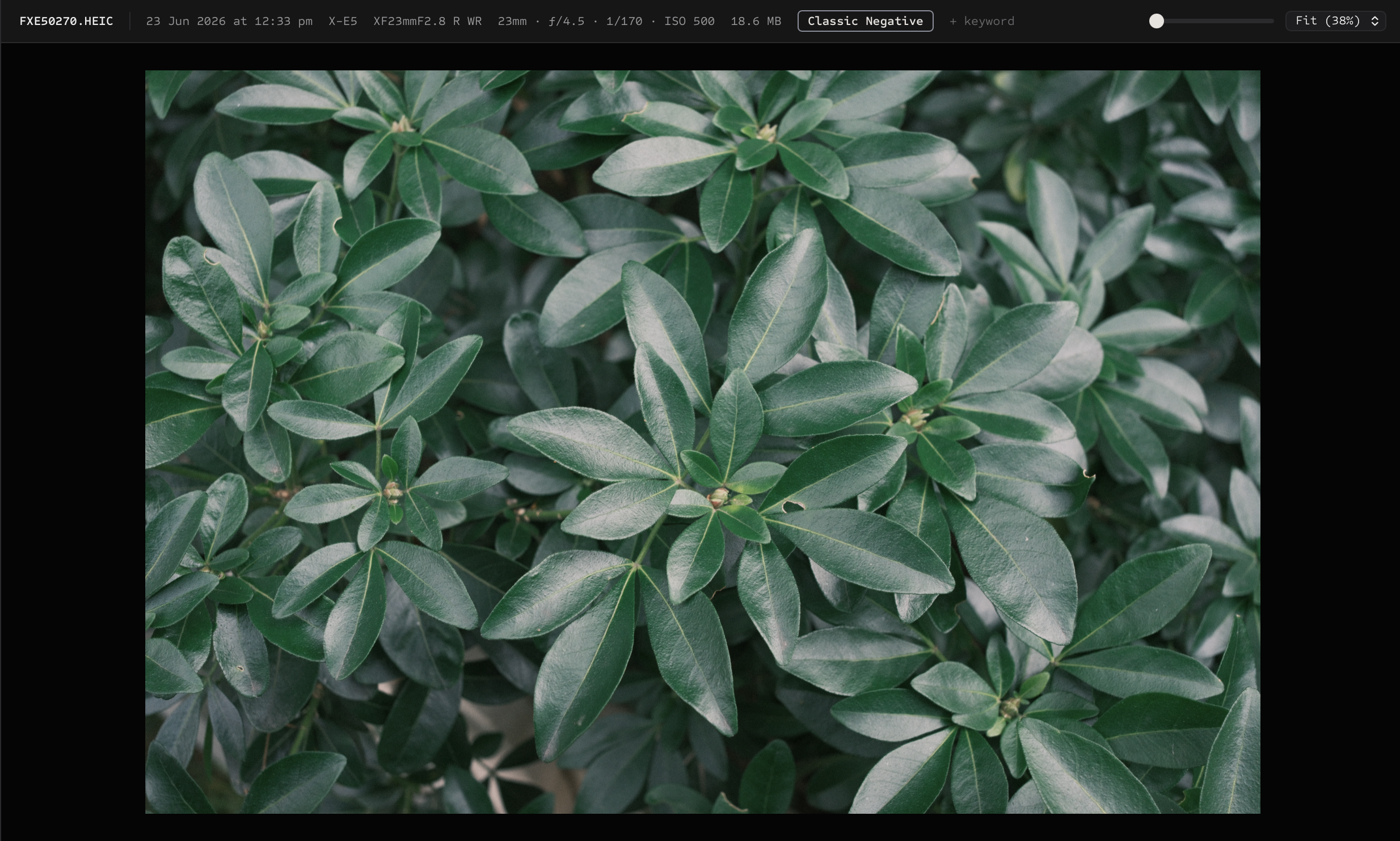
Why Fujifilm HIF files need special handling
Some Fujifilm cameras create high-efficiency image files with a .HIF extension. On macOS, the same underlying HEIF family is commonly recognized as HEIC. Normalizing HIF imports to HEIC can make those photos easier to browse, preview, and hand off in a Mac workflow.
Proof is designed to handle that case during import and rescan while keeping the rest of the culling workflow local.
What Proof does for Fujifilm shooters
HIF to HEIC normalization
Proof can normalize Fujifilm .HIF files to .HEIC during supported import and indexing workflows.
Film simulation metadata
Proof surfaces Fujifilm metadata so culling decisions can include camera settings and film simulation context.
Local review
Browse, flag, rate, compare, and export from a local Mac catalog without cloud photo sync.
Broader format support
Proof also supports common formats including JPEG, PNG, TIFF, WebP, HEIF/HEIC, Fujifilm RAF, DNG, and other camera RAW files.
A practical Fujifilm culling workflow
Keep RAF and camera-rendered companions together during review. Explore Fuji X-Raw with a supported connected camera, or use Develop on Mac for non-destructive adjustments. HIF extension normalization is not a substitute for RAW development.
Some HEIF files rely on embedded previews for browsing when macOS cannot decode the full image. Full-resolution edited export may be unavailable for those files; use the paired RAF where available.
- Add or import the folder from your camera card or working shoot directory.
- Let Proof index photos, thumbnails, and metadata.
- Use Grid for the fast pass, Loupe for detail checks, and Survey for side-by-side frame comparison.
- Export selected copies when the cull is finished.
If you rely on Fujifilm film simulation metadata, Proof keeps that information close to the image review surface instead of burying it in a separate technical tool.