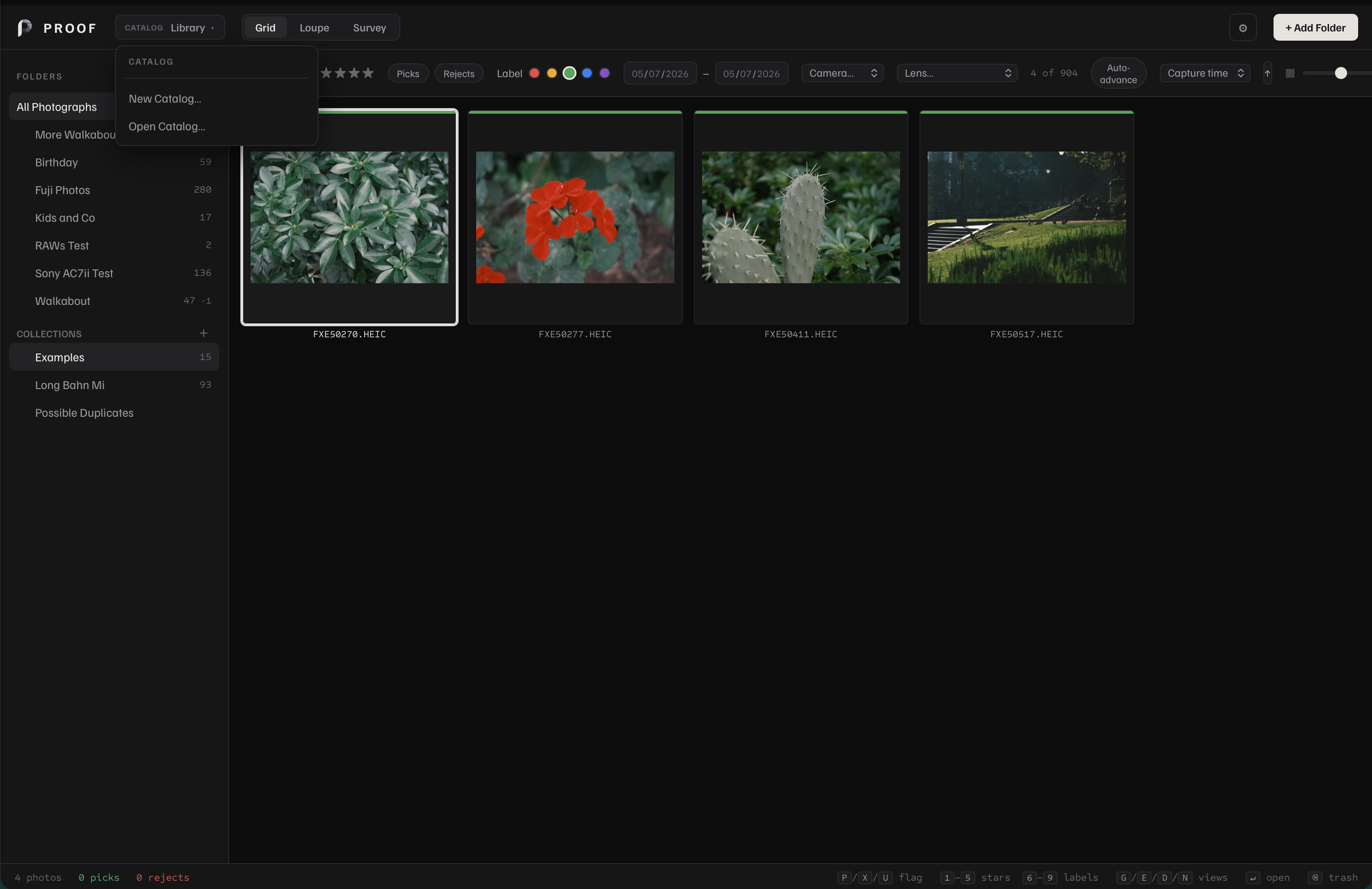
Your folders stay where they are
Proof catalogs photos by reference. Choose a folder, let Proof scan it, and keep working with the same folder structure you already use for shoots, trips, exports, and archives.
Catalog work is separate from source files unless you intentionally use file commands such as move, rename, export, or move to Trash.
What stays local
Original photos
Proof references folders on disk instead of uploading the photo library to a cloud account.
Catalog database
Folder references, ratings, flags, labels, keywords, collections, and metadata live in the local catalog.
Thumbnails and previews
Proof stores local cache files so browsing, Loupe, Survey, and export workflows stay responsive.
Core workflow
Browsing, culling, comparing, filtering, and exporting do not require an internet connection.
Designed for photographers who want control
A local photo library is useful when you want predictable files, normal backups, no forced cloud sync, and a catalog that sits beside your existing archive strategy. Proof keeps the review workflow close to macOS and Finder rather than hiding your photos inside a service.
On launch, Proof may contact GitHub to check whether a newer version exists. Optional publishing uploads selected photographs to services you connect. The opt-in Shared Library beta can sync encrypted library changes through storage you choose. The app does not include advertising or usage-tracking SDKs. The Security & Trust page explains the update check, local cache locations, and verification commands.